
Opera
Opera is a free web browser for Windows from Opera Software. The stable release is 136.0.6008.22, published on 17 September 2026.
133.1 MB

Falkon is a free, open-source web browser from the KDE community with a built-in ad blocker and a lightweight Qt interface.
Average 0.0 · ratings: 0
Thank you! Your rating is saved; you can change it. Could not save the rating. Please try again later. Too many ratings from your network today. Please try again tomorrow. The average appears after 5 ratings.
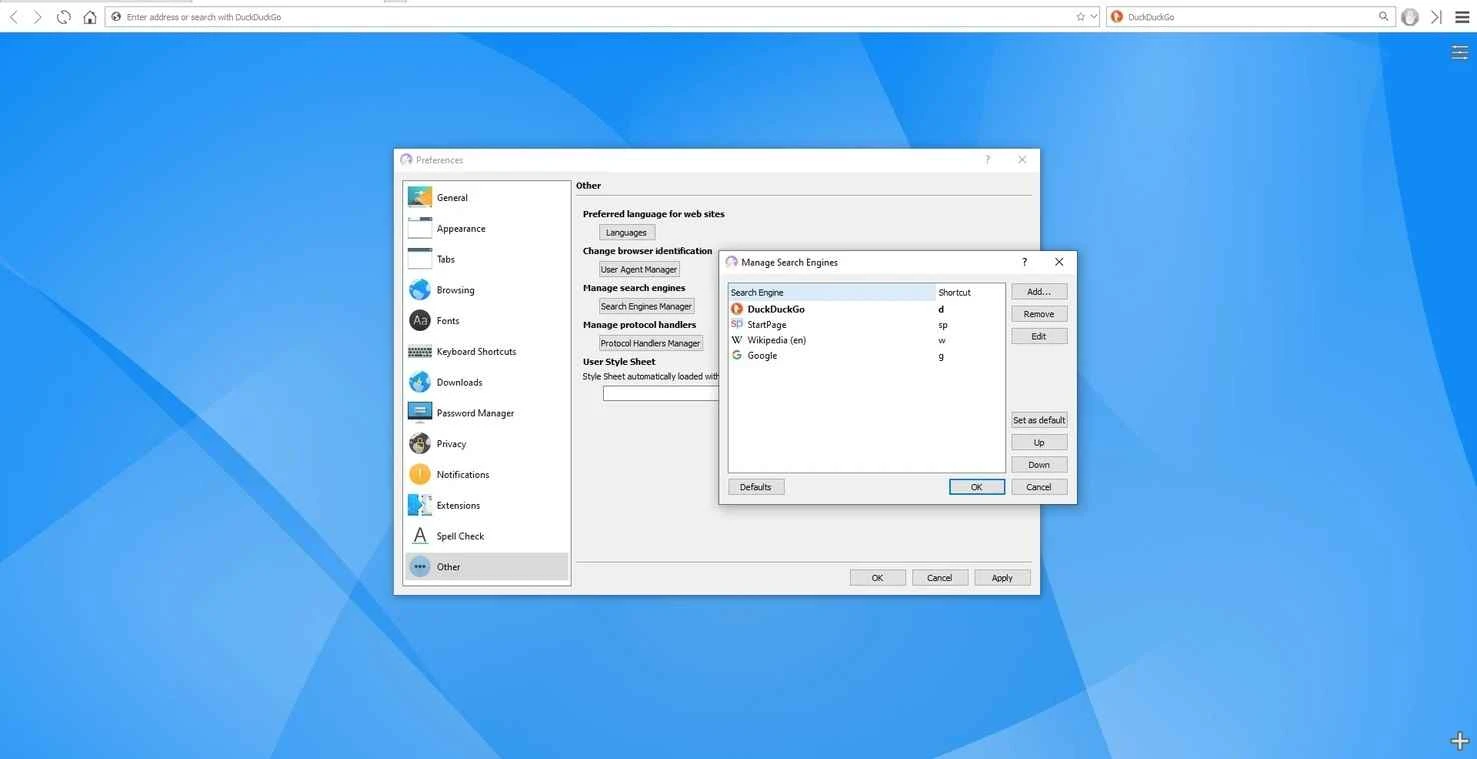
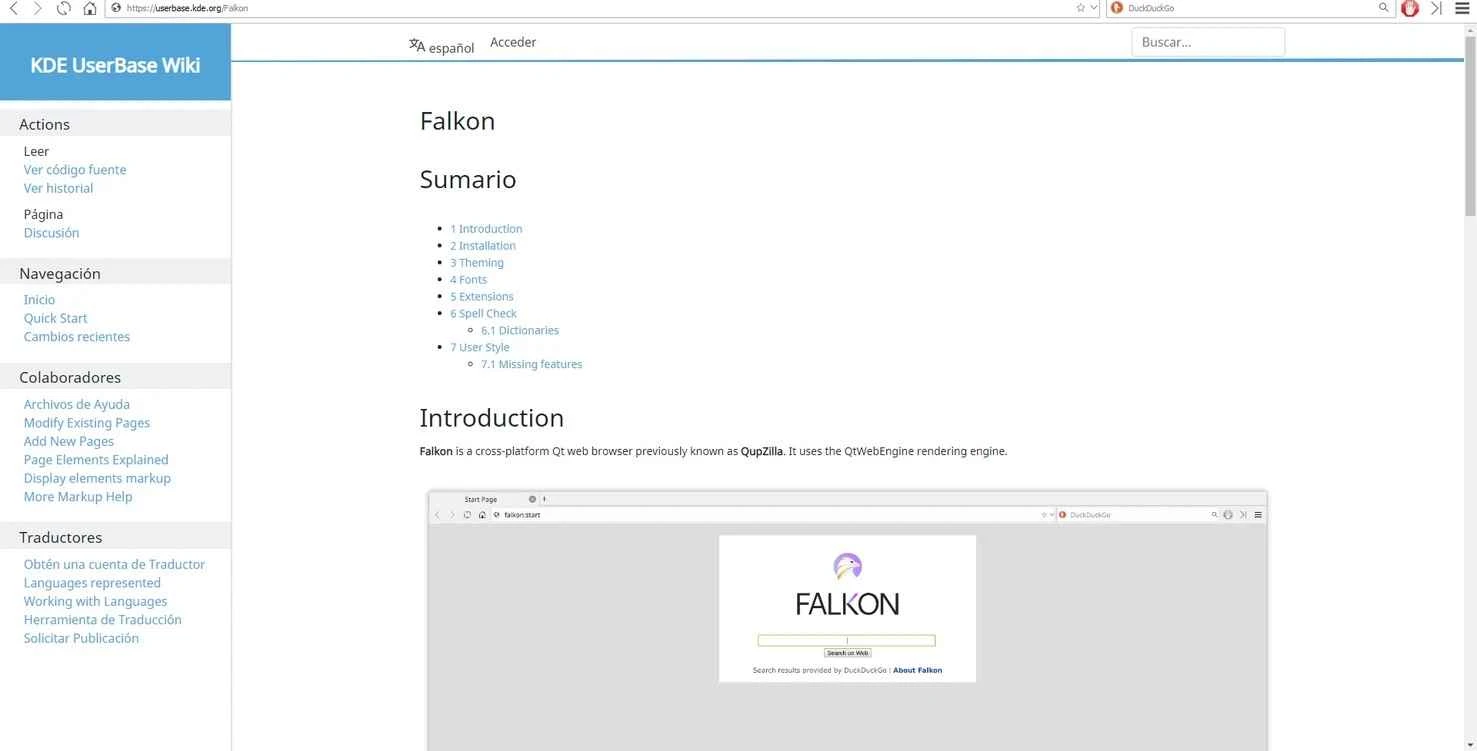
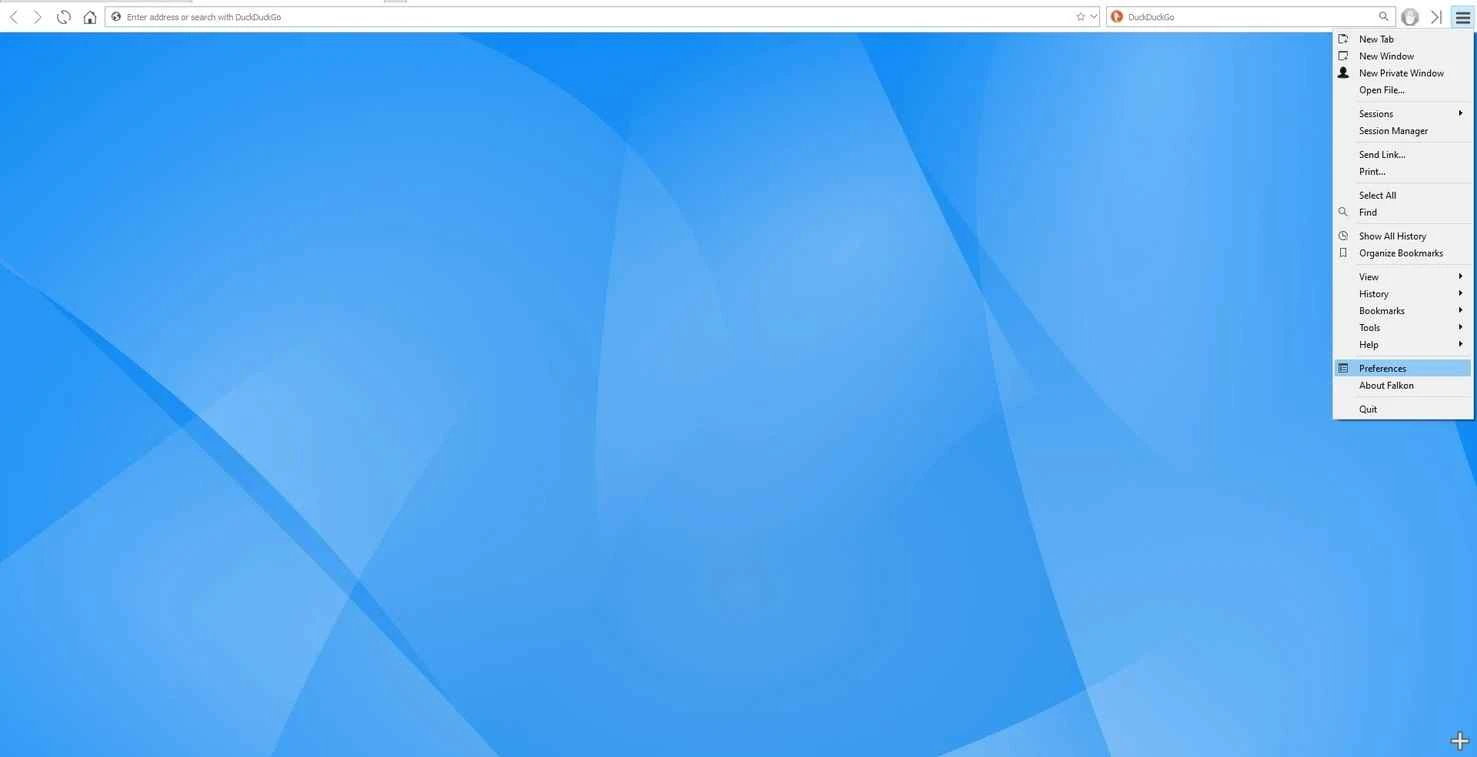
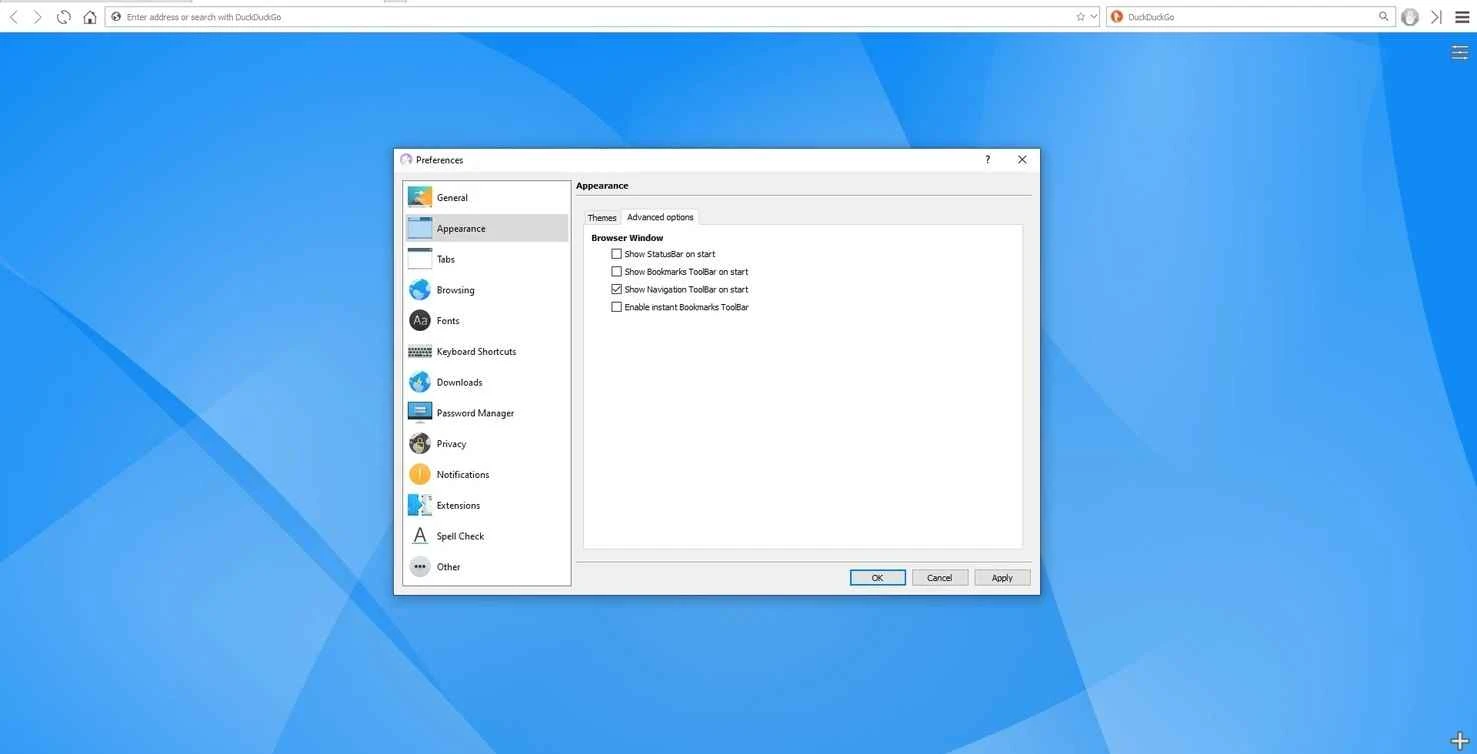
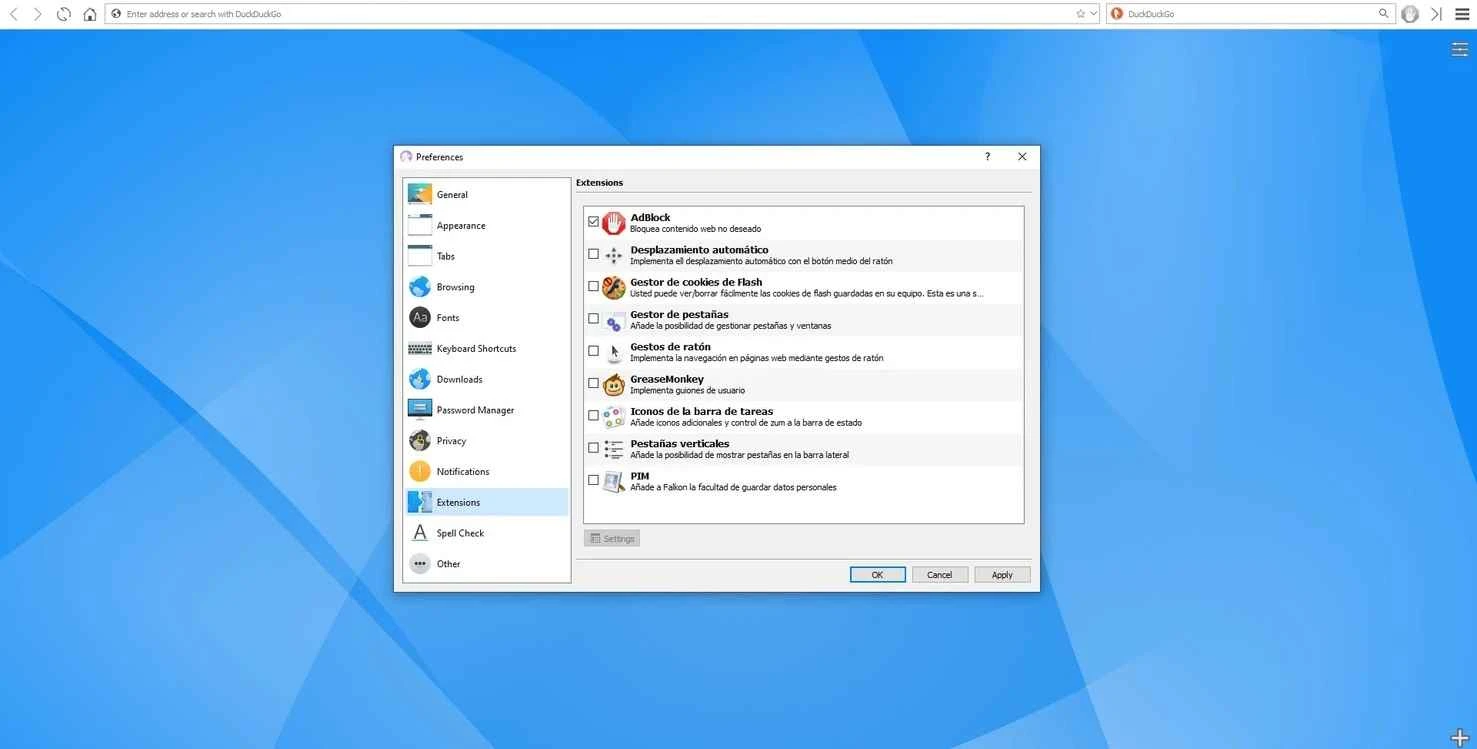
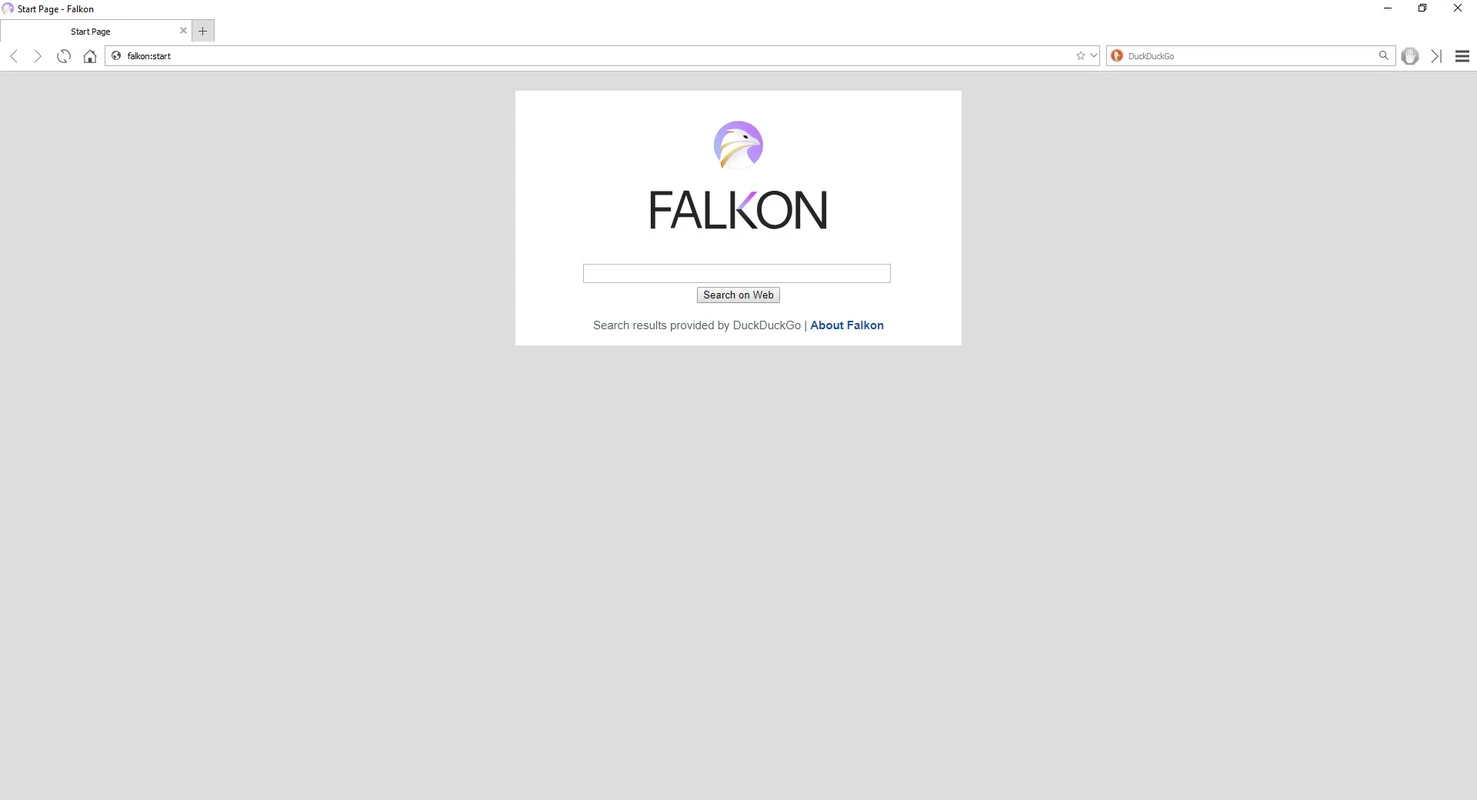
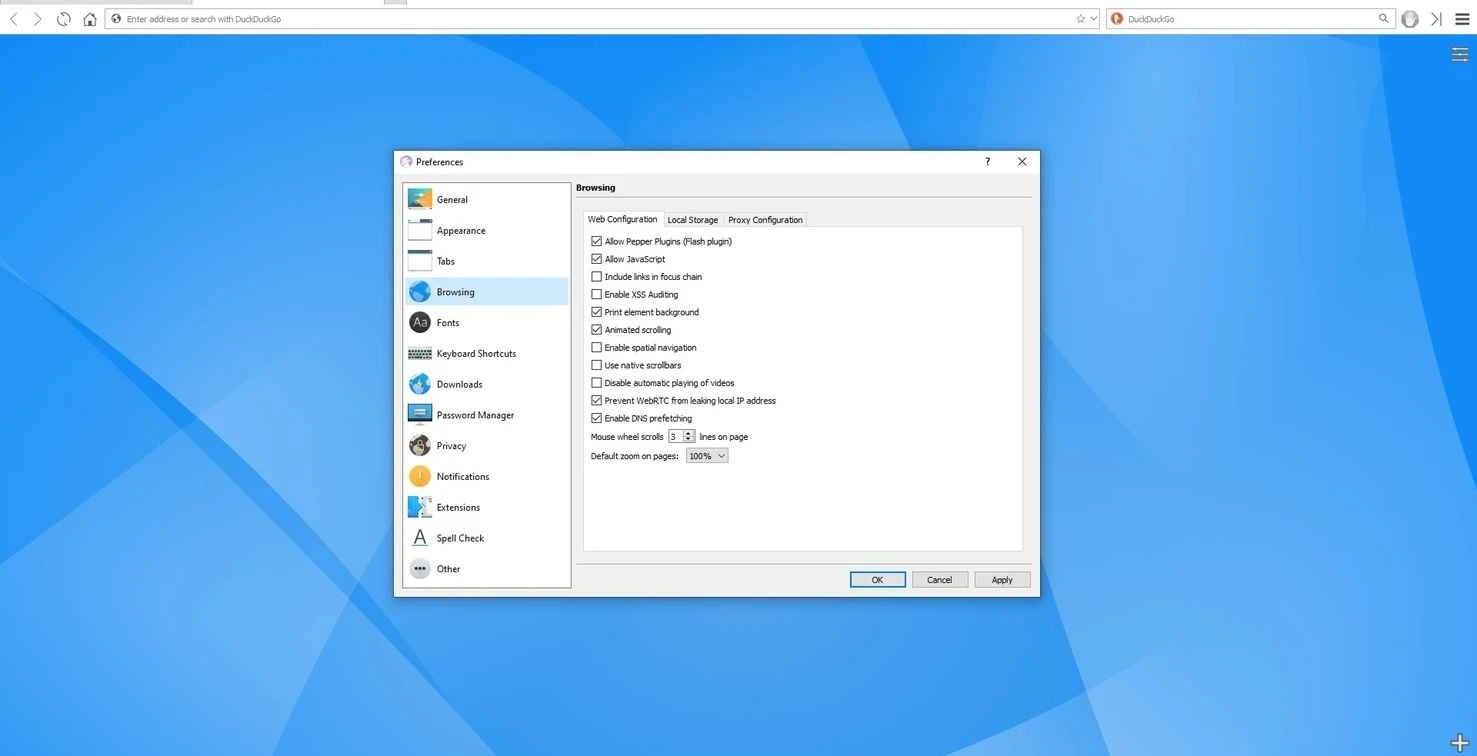
Falkon 26.08.1 is a free, open-source web browser from the KDE community, originally created by David Rosca. It is built with Qt and the QtWebEngine engine, which is based on Chromium, and it comes with an ad blocker built in. Falkon is released under the GNU General Public License v3.0 or later, and you can download Falkon for Windows from falkon.org.
| Item | Details |
|---|---|
| Version | 26.08.1 |
| Latest stable release | 26.08.1 (September 2026, KDE source release) |
| Developer | Falkon Team (KDE); original author David Rosca |
| Platforms | Windows, Linux, macOS and other Unix-like systems |
| Licence | GPL v3.0 or later, free |
| Size | about 139.89 MB according to catalogue data |
Falkon, formerly known as QupZilla, has always aimed to be a lightweight, straightforward browser. It looks at home on the KDE Plasma desktop on Linux but also runs on Windows. The built-in AdBlock removes many ads and trackers without installing an extension. Bookmarks and history are managed in one library window, and sessions can be restored after a restart. Falkon does not have the huge extension ecosystem of Chrome or Firefox; instead it offers a set of plugins. Because it uses QtWebEngine, its rendering is close to Chromium, so modern websites generally work, but security updates depend on how quickly the Qt project and Falkon ship new builds. For users who like independent, community-driven software and a clean interface, Falkon is an appealing secondary browser. Release notes are published on the Falkon site, for example the notes for version 25.04.1.
The source code is hosted on KDE's GitLab.
Falkon is a good match for Linux users who switch between KDE Plasma and Windows and want the same browser on both, for people who value community-built open-source software, and for older or modest PCs where a lighter interface helps. Users who depend on specific Chrome or Firefox extensions will find its plugin selection limited.
Other independent browsers in our listings include Midori Browser, Pale Moon and K-Meleon. For privacy with a large extension ecosystem, LibreWolf and Brave Browser are options.
Opera is a free web browser for Windows from Opera Software. The stable release is 136.0.6008.22, published on 17 September 2026.

UC Browser for Windows is the desktop version of the web browser from UCWeb, a Chinese mobile internet company.

Google Translate is Google's multilingual machine translation service, used on Windows through the website and a browser extension.

Microsoft Edge is Microsoft's web browser, preinstalled on current Windows versions and available as a free download for reinstalling or updating.

Mozilla Firefox is a free and open-source web browser developed by Mozilla, available for Windows, macOS, Linux, Android and iOS.

Google Chrome is the free web browser from Google. The stable Windows release is 154.0.8037.58, out since 22 September 2026.

Cent Browser is a free Chromium-based browser for Windows from Cent Studio that adds mouse gestures, tab tweaks and other power-user options.